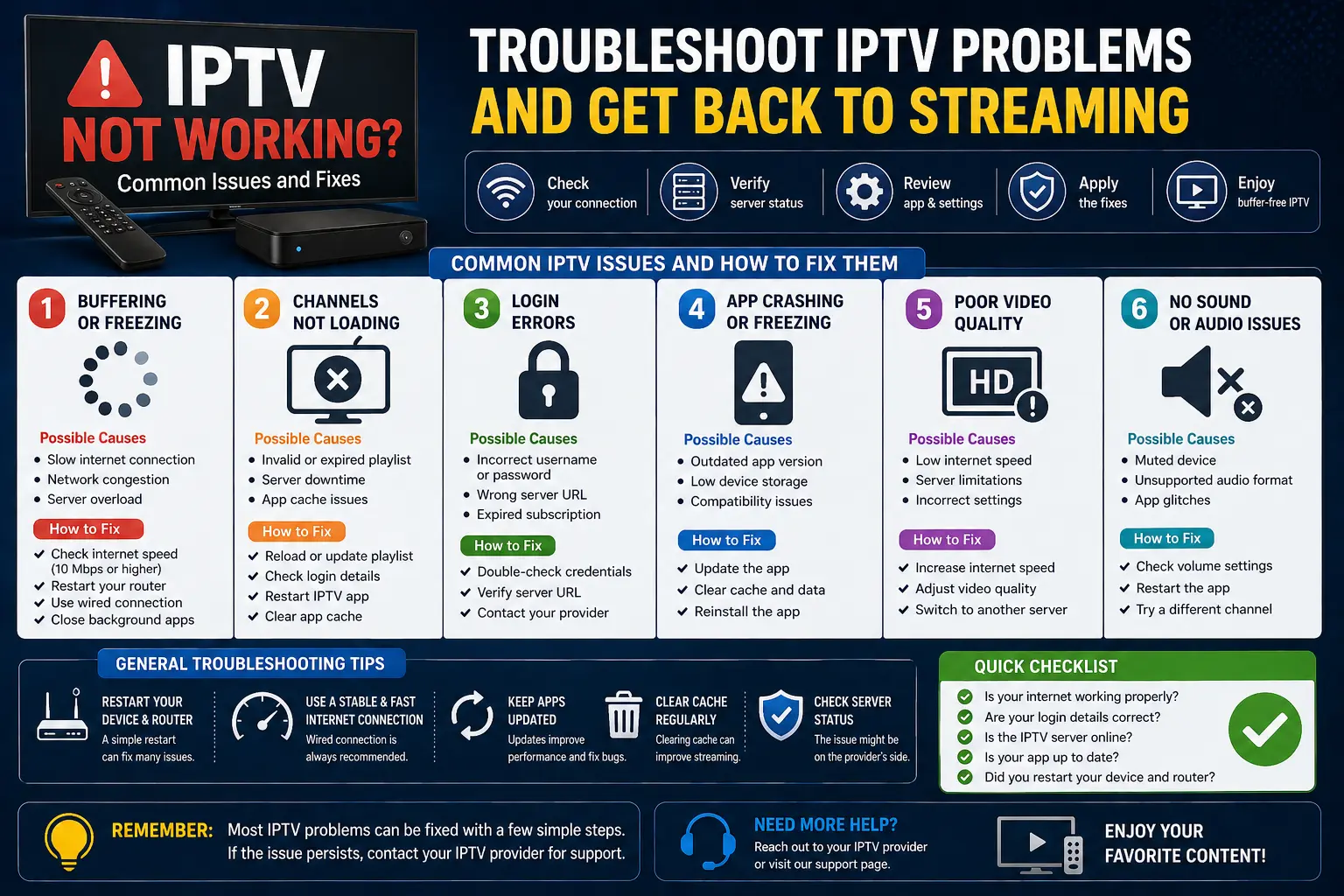
IPTV is a powerful way to stream live TV and on-demand content, but like any technology, it can sometimes run into issues. If your IPTV is not working properly, you’re not alone — many users experience occasional problems such as buffering, channels not loading, or login errors.
In this guide, we’ll break down the most common IPTV issues and show you simple, effective fixes to get your streaming back on track.
What Causes IPTV Issues?
Before jumping into solutions, it’s important to understand why IPTV problems happen.
IPTV relies heavily on internet connectivity, app performance, and server stability. Issues can occur at any of these levels.
If you’re new to IPTV, check our beginner guide on what IPTV is and how it works.
Most Common IPTV Problems
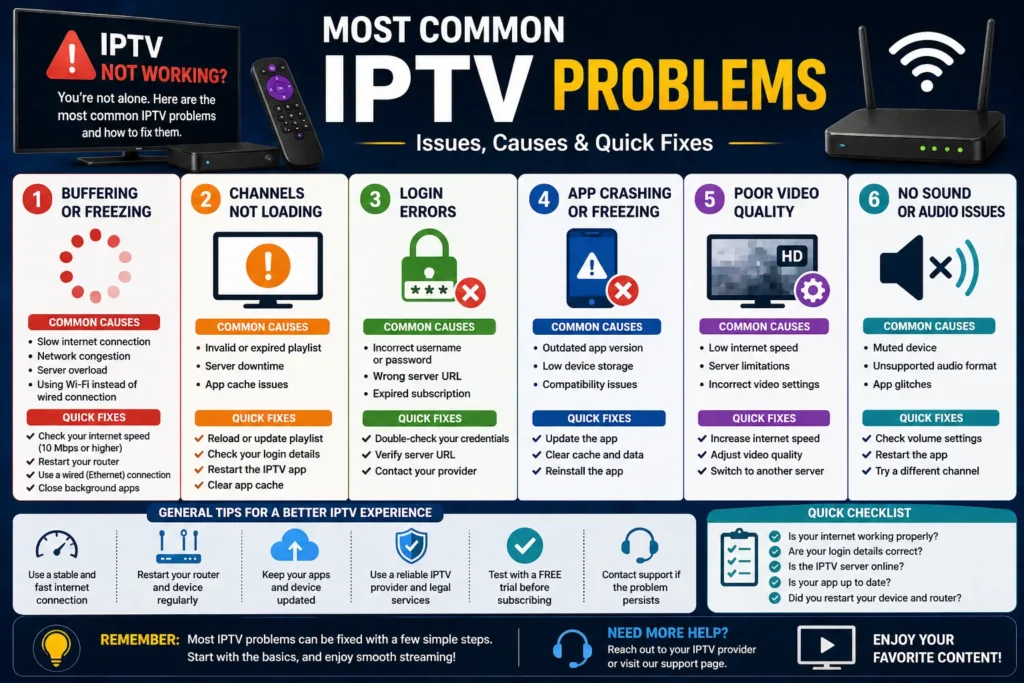
1. IPTV Buffering or Freezing
Buffering is one of the most common IPTV issues. It usually happens when your internet connection cannot keep up with the stream.
Possible Causes
- Slow internet speed
- Network congestion
- Server overload
- Using Wi-Fi instead of wired connection
How to Fix Buffering
- Check your internet speed (recommended 10 Mbps or higher)
- Restart your router
- Use a wired Ethernet connection if possible
- Close background apps
You can test your speed using Speedtest by Ookla.
2. Channels Not Loading
If channels are not loading or showing blank screens, the issue may be related to your playlist or server.
Possible Causes
- Invalid or expired playlist
- Server downtime
- App cache issues
How to Fix
- Refresh or reload your playlist
- Check your login details
- Restart your IPTV app
- Clear app cache
3. IPTV Login Errors
Login issues are common, especially when using Xtream Codes or M3U links.
Possible Causes
- Incorrect username or password
- Wrong server URL
- Expired subscription
How to Fix
- Double-check your credentials
- Verify the server URL
- Contact your provider if needed
If you’re testing a new service, you can try a free IPTV trial to verify everything works correctly.
4. IPTV App Crashing or Freezing
Sometimes the problem is not the service but the app itself.
Possible Causes
- Outdated app version
- Low device storage
- Compatibility issues
How to Fix
- Update the app to the latest version
- Clear cache and data
- Reinstall the app
For choosing reliable apps, check our guide on best IPTV apps explained.
5. Poor Video Quality
If your IPTV streams look blurry or low quality, the issue may be related to bandwidth or settings.
Possible Causes
- Low internet speed
- Server limitations
- Incorrect video settings
How to Fix
- Increase internet speed
- Adjust video quality settings
- Switch servers if available
6. No Sound or Audio Issues
Audio problems can occur due to device settings or codec compatibility.
Possible Causes
- Muted device
- Unsupported audio format
- App glitches
How to Fix
- Check volume settings
- Restart the app
- Try a different channel
Advanced IPTV Troubleshooting Tips
Check Your Network Setup
Your home network plays a big role in IPTV performance.
- Place router closer to device
- Avoid network congestion
- Upgrade your internet plan if needed
For more on network performance, see Cloudflare’s guide on latency.
Restart Your Device
Sometimes a simple restart can fix multiple issues.
Use Reliable IPTV Apps
Not all apps perform equally. Some are more stable than others depending on your device.
If you’re using Firestick, follow our guide on how to set up IPTV on Firestick for the best setup.
Check Server Status
If many channels are not working, the issue may be on the provider’s side.
When IPTV Issues Are Not Your Fault
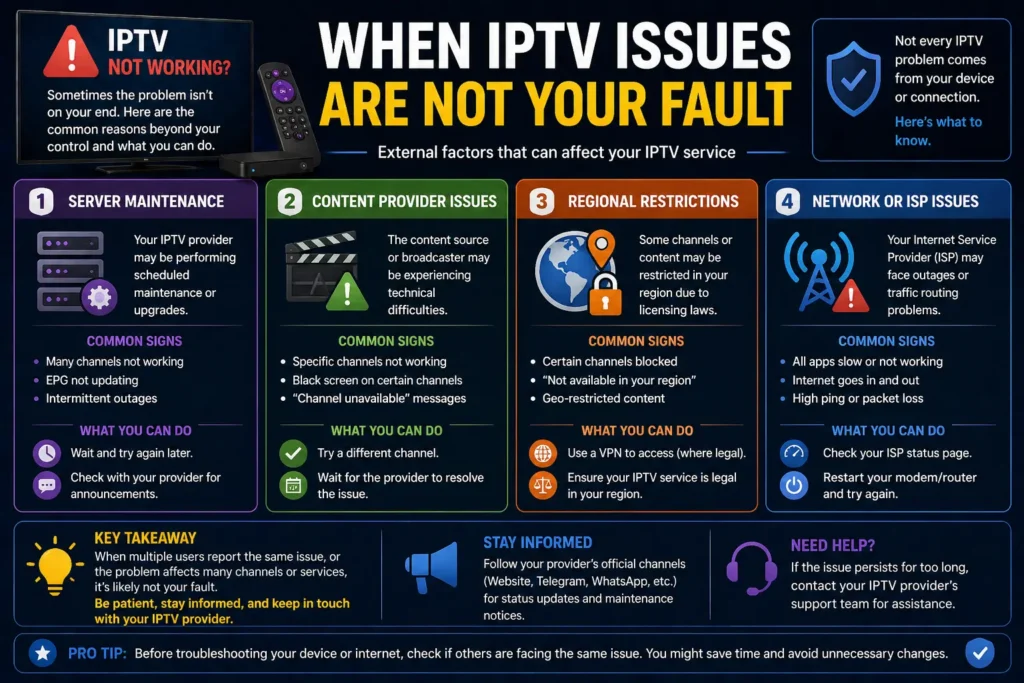
Sometimes IPTV problems are caused by external factors beyond your control.
- Server maintenance
- Content provider issues
- Regional restrictions
Understanding IPTV legality can also help you choose more reliable services.
How to Prevent IPTV Issues
Prevention is always better than fixing problems later.
- Use a stable and fast internet connection
- Keep apps updated
- Use compatible devices
- Choose reliable IPTV providers
When to Contact Support
If none of the solutions work, it’s best to contact support.
- Persistent login issues
- Multiple channels not working
- Subscription-related problems
You can reach out via our Contact page for assistance.
Final Thoughts
IPTV issues are common, but most of them can be fixed quickly with the right approach. By understanding the root cause and applying simple troubleshooting steps, you can restore your streaming experience in no time.
If you’re still facing issues, testing a free IPTV trial can help determine whether the problem is related to your setup or the service itself.
For more guides and IPTV tips, visit our homepage.