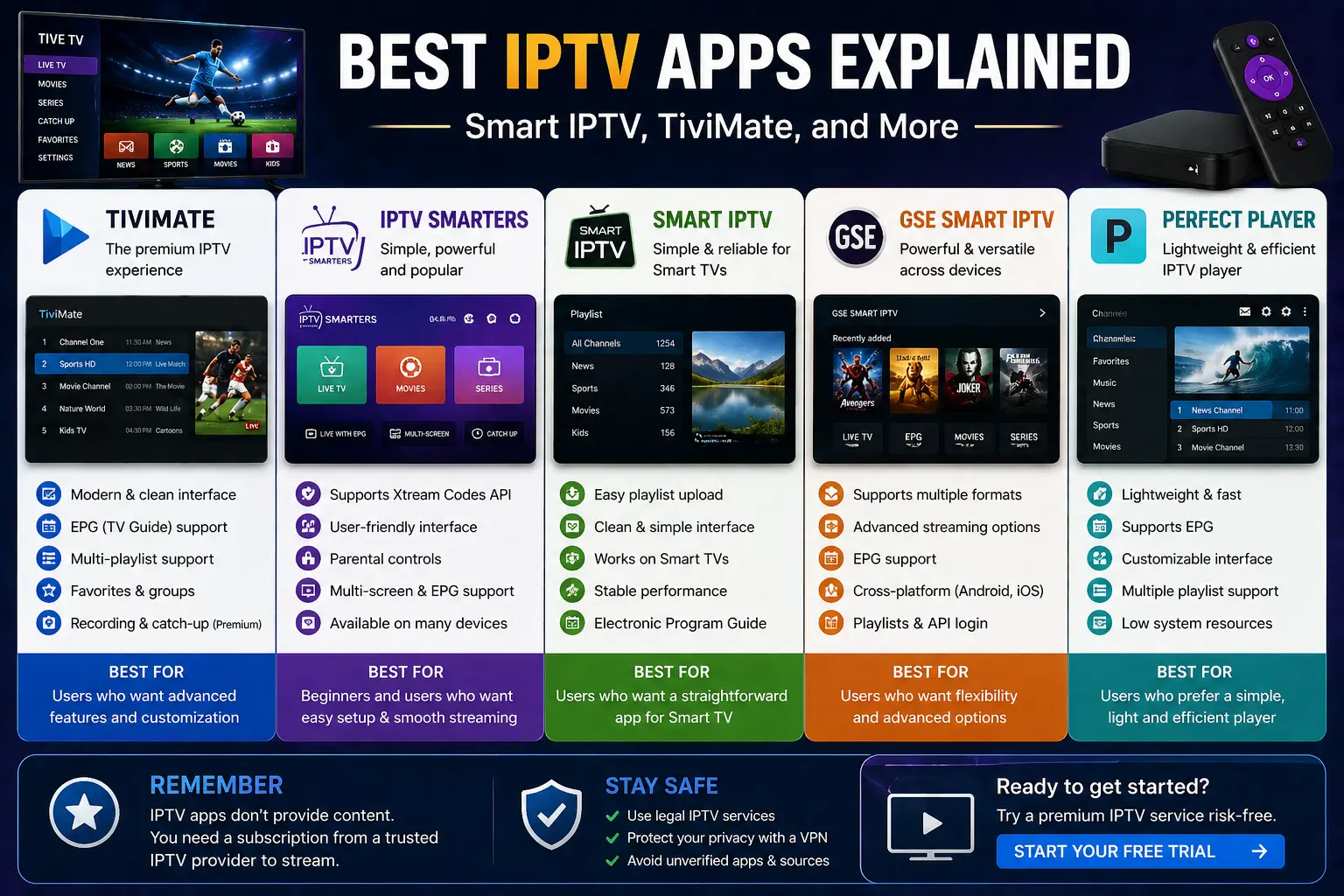
Choosing the right IPTV app is one of the most important steps when setting up your streaming experience. While IPTV services provide access to content, IPTV apps are what actually allow you to watch and manage that content on your device.
In this guide, we’ll explain the best IPTV apps available, how they work, and which one might be right for your setup.
What Is an IPTV App?
An IPTV app is a media player designed to stream IPTV content using playlist links or login credentials. These apps do not provide content themselves — they simply act as a platform to display channels, movies, and series.
If you’re new to IPTV, you can start with our full guide on what IPTV is and how it works.
How IPTV Apps Work
IPTV apps work by loading data from your IPTV provider using:
- M3U playlist links
- Xtream Codes API login details
- EPG (Electronic Program Guide) data
Once connected, the app organizes your content into categories such as live TV, movies, and series.
Best IPTV Apps Explained
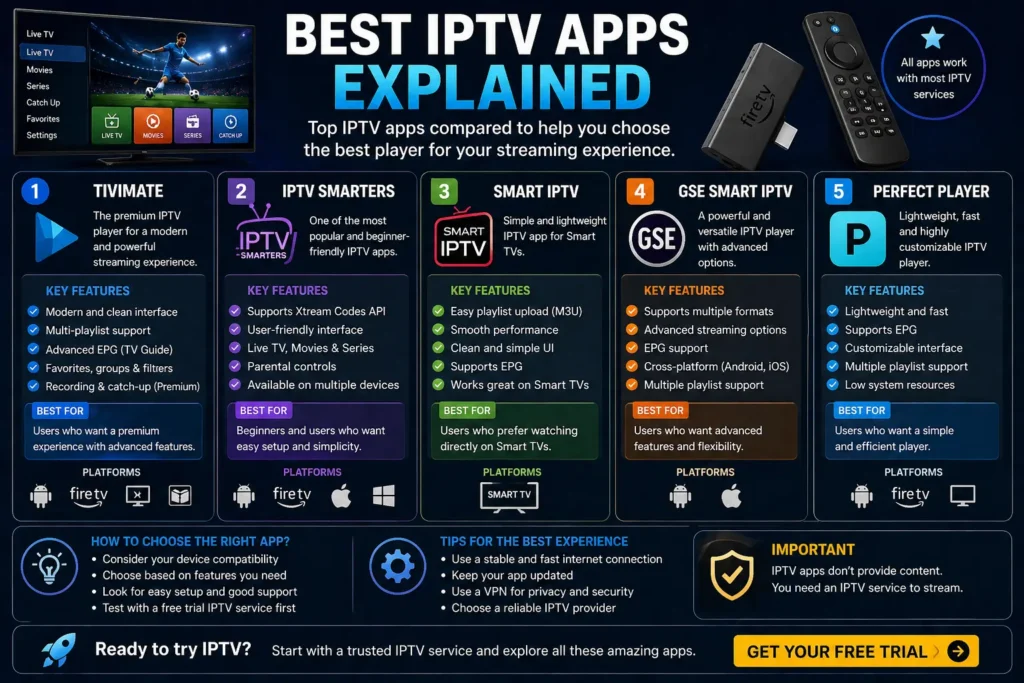
Here are some of the most popular and widely used IPTV apps.
1. TiviMate
TiviMate is one of the most advanced IPTV apps available for Android-based devices.
Key Features
- Modern and clean interface
- Multi-playlist support
- Built-in EPG support
- Favorites and recording options
Best For
Users who want a premium experience with advanced features.
Learn more about Android TV apps from Android TV official resources.
2. IPTV Smarters
IPTV Smarters is one of the most widely used IPTV apps due to its simplicity and compatibility.
Key Features
- User-friendly interface
- Supports Xtream Codes login
- Available on multiple devices
- Parental controls
Best For
Beginners who want an easy setup process.
If you’re setting up IPTV on Firestick, check our guide on how to set up IPTV on Firestick.
3. Smart IPTV
Smart IPTV is a simple and lightweight app designed for smart TVs.
Key Features
- Easy playlist upload
- Compatible with Smart TVs
- Clean layout
Best For
Users who prefer watching directly on their TV without extra devices.
4. GSE Smart IPTV
GSE Smart IPTV is a powerful app available on both Android and iOS devices.
Key Features
- Supports multiple formats
- Advanced streaming options
- Cross-platform compatibility
Best For
Users who want flexibility across devices.
5. Perfect Player
Perfect Player is another reliable IPTV player with a focus on performance.
Key Features
- Lightweight and fast
- Supports EPG
- Customizable interface
Best For
Users who prefer a simple and efficient player.
How to Choose the Best IPTV App
The best IPTV app depends on your needs and device.
Consider Your Device
- Firestick → IPTV Smarters, TiviMate
- Smart TV → Smart IPTV
- Mobile → GSE Smart IPTV
Ease of Use
Beginners should choose apps with simple interfaces.
Features
Advanced users may prefer apps with recording, EPG, and customization.
Are IPTV Apps Legal?
IPTV apps themselves are completely legal. They are simply media players that allow you to stream content.
The legality depends on the content you stream. You can read more in our guide on is IPTV legal and how it works.
For general app safety, you can refer to Google Play safety guidelines.
Common Mistakes When Using IPTV Apps
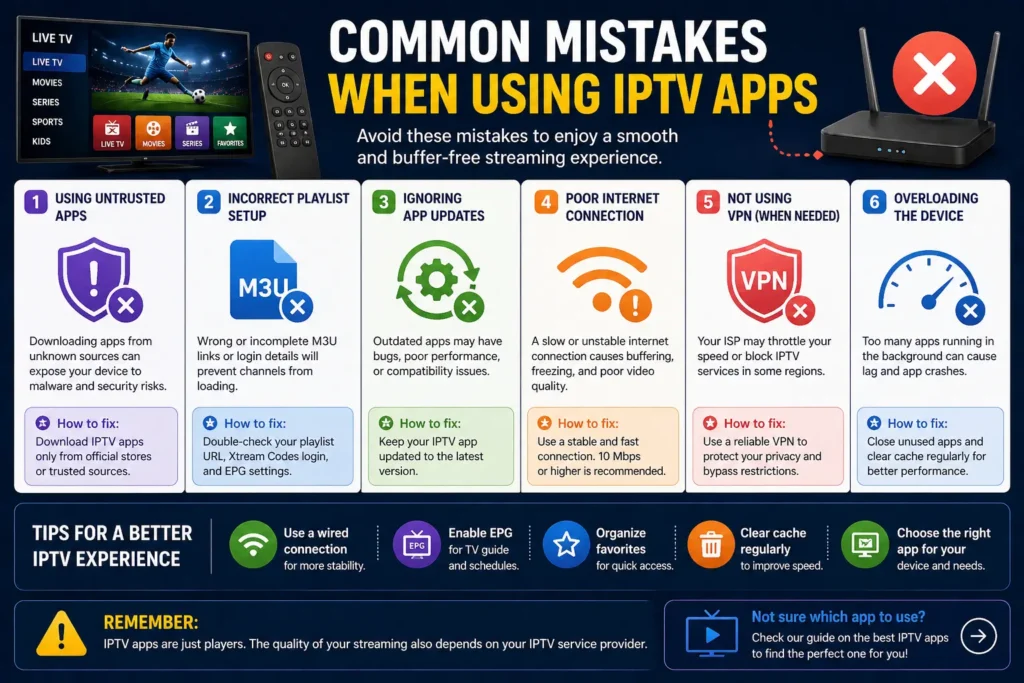
Using Untrusted Apps
Always download apps from reliable sources.
Incorrect Playlist Setup
Ensure your M3U or login details are entered correctly.
Ignoring Updates
Outdated apps can cause performance issues.
Tips for Better IPTV Experience
- Use a stable internet connection
- Keep apps updated
- Choose apps compatible with your device
- Test before committing to a service
If you’re new, you can start with a free IPTV trial to test compatibility with different apps.
Why IPTV Apps Matter
Your IPTV app plays a major role in your overall streaming experience. A good app can improve navigation, playback quality, and usability.
Choosing the right app ensures you get the most out of your IPTV setup.
Final Thoughts
IPTV apps are essential tools for accessing and managing IPTV content. Whether you prefer a simple interface or advanced features, there are plenty of options available to suit your needs.
Take your time to test different apps and find the one that works best for your setup.
You can also visit our homepage to explore more IPTV guides and resources.